 Admin
Admin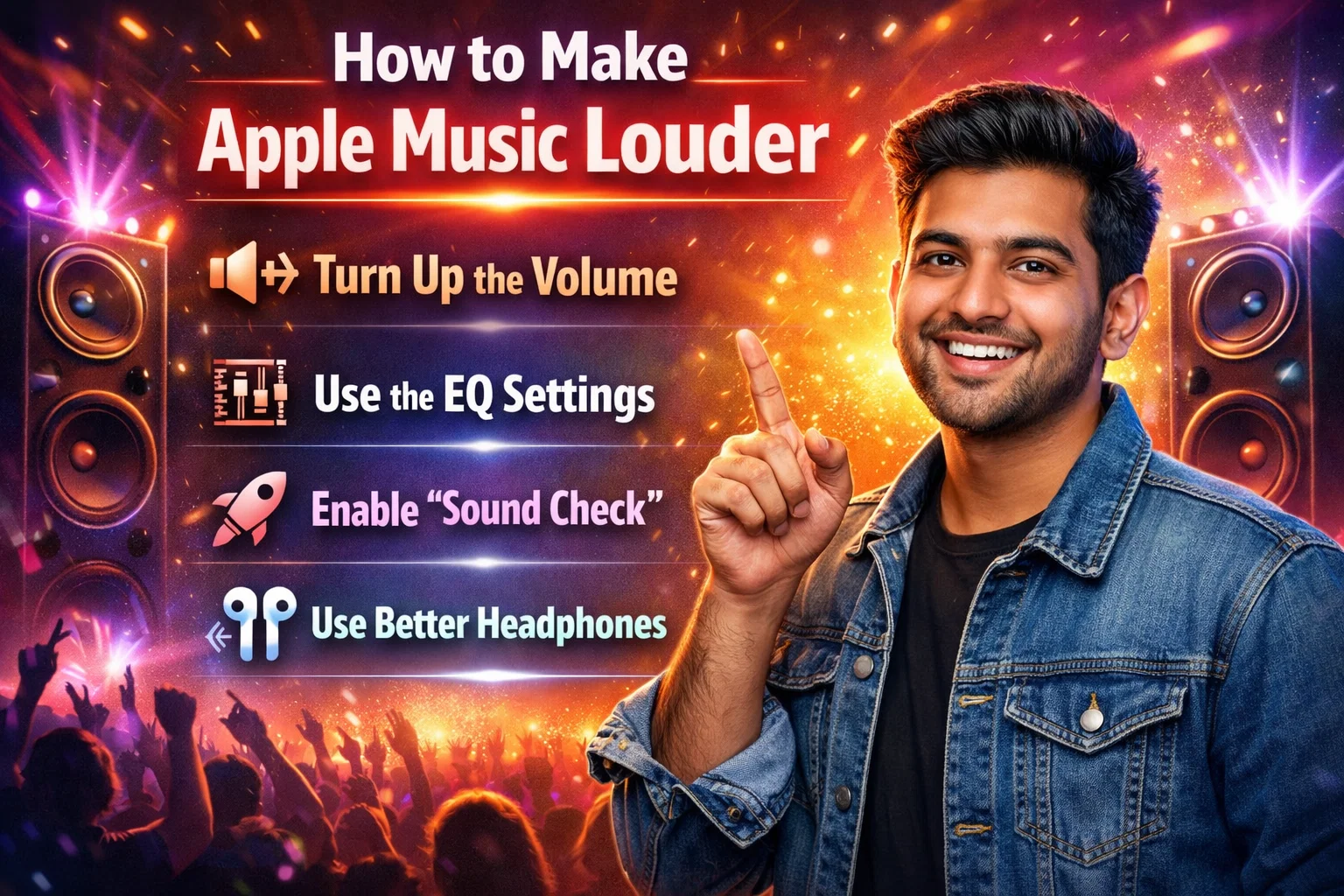
There’s nothing more disappointing than pressing play on your favorite track and realizing the volume just isn’t loud enough. Whether you’re commuting, working out, or relaxing at home, sound quality and loudness play a major role in your listening experience. If you’ve been wondering how to make Apple Music louder, you’re not alone. Many users experience lower-than-expected playback volume due to device settings, streaming configurations, or audio enhancements that limit output.
The good news is that in most cases, the issue can be resolved without external apps or complicated fixes. From adjusting built-in equalizer settings to disabling volume normalization and optimizing device audio, this comprehensive guide walks you through proven methods to safely increase your listening volume while preserving sound clarity and protecting your hearing.
Understanding Why Apple Music May Sound Quiet
How to make Apple Music louder? Before adjusting settings, it’s important to understand why your music may not be as loud as expected. Streaming platforms prioritize consistent playback levels across different songs. Apple Music uses a feature called Sound Check, which normalizes audio levels to prevent sudden volume jumps between tracks. While this improves consistency, it can reduce the perceived loudness of certain songs.
Additionally, devices such as iPhones, iPads, Macs, and AirPods include built-in safety features designed to protect hearing. For example, Headphone Safety limits maximum output when it detects extended exposure to high volume. External factors like Bluetooth compression, low-quality files, or poor speaker output can also contribute to reduced loudness. Identifying the source helps you choose the most effective solution.
Disable Sound Check to Increase Playback Volume
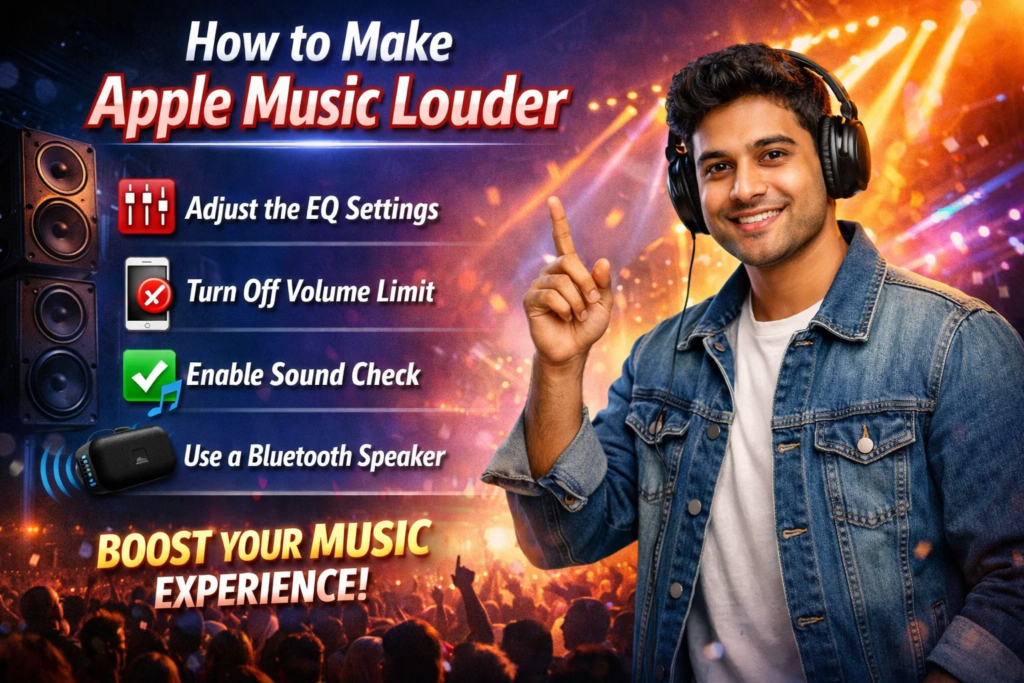
How to make Apple Music louder? One of the most effective ways to increase volume is turning off Sound Check. This feature balances track levels but may reduce the overall output.
On an iPhone or iPad running iOS 17 or later, go to Settings > Music, then toggle off Sound Check. On a Mac using macOS Sonoma, open the Music app, select Settings, and uncheck Sound Check under the Playback tab. Disabling this feature allows tracks to play at their original mastering level, often resulting in noticeably louder playback. How to make Apple Music louder, many users immediately hear a difference, especially with older songs that were recorded at lower volume levels.
Adjust EQ Settings for Louder Sound
The built-in equalizer can significantly affect perceived loudness. Certain EQ presets emphasize bass and treble, creating a fuller and louder sound experience.
On iPhone or iPad, navigate to Settings > Music > EQ. Select presets like Late Night, which compresses dynamic range and boosts quieter sounds, making overall playback feel louder. Other presets such as Rock or Hip-Hop may also enhance perceived volume depending on your headphones or speakers. On Mac, open the Music app and enable the equalizer from the Window menu. How to make Apple Music louder? Adjusting frequency bands manually allows you to boost midrange or bass frequencies for stronger output without distortion.
Turn Off Dolby Atmos for Higher Output
Apple Music supports Dolby Atmos spatial audio, which creates immersive sound. However, this feature can sometimes reduce overall loudness due to audio processing adjustments.
How to make Apple Music louder? To modify this setting, go to Settings > Music > Dolby Atmos and switch it to Off or Automatic. When disabled, music plays in standard stereo, often resulting in louder output. While spatial audio provides depth and realism, some users prefer turning it off for maximum volume, especially in noisy environments like gyms or public transport. Experimenting with this setting helps determine which balance of immersion and loudness suits your preferences.
Check Headphone Safety Settings
Apple devices include a hearing protection feature that may limit volume. While beneficial for long-term hearing health, it can unintentionally reduce maximum output.
How to make Apple Music louder? On iPhone, go to Settings > Sounds & Haptics > Headphone Safety. If Reduce Loud Sounds is enabled, adjust the decibel slider or disable the feature entirely. Keep in mind that sustained exposure above 85 decibels can cause hearing damage over time. Balancing safety with sound preference is crucial. If you disable this feature temporarily, monitor your listening duration to protect your ears while enjoying higher volume levels.
Improve Bluetooth Audio Performance
Bluetooth devices sometimes produce lower output compared to wired connections. This occurs due to signal compression and codec limitations.
Ensure your Bluetooth headphones or speakers are fully charged, as low battery can reduce performance. Check for firmware updates through the manufacturer’s app, especially for devices like AirPods Pro (2nd generation) or Beats headphones. Also, minimize interference by keeping your device within close range. Switching to a wired connection when possible can deliver stronger and more stable output. How to make Apple Music louder? These adjustments may noticeably improve clarity and volume without altering app settings.
Increase Volume on Mac or Windows Desktop
How to make Apple Music louder? If you’re listening on a desktop computer, system-level settings may limit output. On a Mac, click the sound icon in the menu bar and raise the output level to maximum. Additionally, open System Settings > Sound and confirm that the correct output device is selected.
On Windows PCs, right-click the speaker icon in the taskbar and choose Sound Settings. Select your output device and ensure the volume slider is at 100%. You can also open Device Properties > Additional Device Properties > Enhancements, where features like Loudness Equalization may boost overall output. These system controls often resolve issues that appear to originate from the streaming app itself.
Optimize Speaker or Headphone Quality
Sometimes the issue isn’t the software but the hardware. Low-quality speakers may lack the power to produce strong output even at full volume.
Upgrading to higher-quality headphones or external speakers can dramatically improve loudness and clarity. Over-ear headphones often produce louder sound than small earbuds due to larger drivers. How to make Apple Music louder? If using portable Bluetooth speakers, ensure they are designed for high output. Positioning also matters; placing speakers on stable surfaces and avoiding obstructions enhances sound projection. Investing in quality audio equipment enhances both volume and overall listening satisfaction.
Adjust Volume Limit Settings on Older Devices
How to make Apple Music louder? Some older iPhones and iPods include a manual volume limit slider within music settings. If enabled, it caps maximum output regardless of other adjustments.
Go to Settings > Music > Volume Limit and confirm it’s set to maximum or disabled. Though less common on modern iOS versions, this setting may still affect older devices. Resetting it ensures your device isn’t artificially restricting output.
Check Audio Quality Settings
Streaming quality impacts perceived volume and clarity. In Apple Music, you can enable higher-quality streaming for better sound presence.
Open Settings > Music > Audio Quality, and turn on Lossless Audio if supported by your device and headphones. While lossless doesn’t necessarily increase raw volume, improved dynamic range can make music feel richer and more powerful. For mobile data, how to make Apple Music louder, ensure High Quality streaming is enabled. Better audio fidelity contributes to stronger perceived loudness without distortion.
Restart and Update Your Device
Software glitches occasionally interfere with audio performance. Restarting your device clears temporary processes that may limit output.
How to make Apple Music louder? Ensure your device runs the latest version of iOS, iPadOS, or macOS. Apple frequently releases updates that improve performance and fix bugs. Updating the Music app and system software guarantees optimal compatibility with audio features like Dolby Atmos and Sound Check. Regular updates keep your device functioning smoothly and may resolve unexplained volume limitations.
Use External Amplifiers or DACs for Maximum Power
How to make Apple Music louder? For audiophiles seeking significantly louder output, an external DAC (Digital-to-Analog Converter) or headphone amplifier can provide a powerful boost.
These devices connect via USB or Lightning and enhance signal strength before it reaches your headphones. They are especially beneficial for high-impedance headphones that require more power than smartphones can supply. While this solution involves additional cost, it delivers superior sound quality and volume without distortion. For serious listeners, external hardware can transform the overall experience.
Protecting Your Hearing While Increasing Volume
While boosting sound can improve enjoyment, protecting your hearing remains essential. Long-term exposure to high decibel levels may cause irreversible damage.
How to make Apple Music louder? Experts recommend keeping volume below 80 percent of maximum and taking breaks during extended listening sessions. Use noise-isolating headphones to block external sound rather than increasing volume excessively. Apple’s Headphone Safety feature provides helpful exposure reports within the Health app, allowing you to monitor usage. Prioritizing ear health ensures you can enjoy music for years without consequences.
Conclusion
Understanding how to make Apple Music louder involves more than simply raising the volume slider. From disabling Sound Check and adjusting EQ presets to optimizing Bluetooth performance and checking safety settings, several practical solutions can significantly enhance your listening experience. Often, the fix lies in small configuration changes rather than hardware upgrades.
How to make Apple Music louder? By systematically reviewing device settings, improving audio quality options, and ensuring system updates are installed, you can achieve louder, clearer sound safely. At the same time, maintaining responsible listening habits protects your hearing health. With these expert-backed strategies, you can enjoy richer, more powerful playback wherever you go.
Frequently Asked Questions
1. Why does Apple Music sound quieter than other apps?
This often happens due to Sound Check or Headphone Safety settings, which limit volume for consistent playback and hearing protection.
2. Does turning off Dolby Atmos make music louder?
Yes, disabling Dolby Atmos can increase perceived loudness because stereo playback may deliver stronger output.
3. Is it safe to disable Reduce Loud Sounds?
It can increase volume, but prolonged exposure to high decibel levels may harm hearing. Use caution and monitor listening time.
4. Can Bluetooth reduce volume quality?
Yes, Bluetooth compression and low battery levels may decrease output compared to wired connections.
5. Will lossless audio increase volume?
Lossless improves clarity and dynamic range, which may feel louder, but it doesn’t directly boost maximum output.
6. Do I need an amplifier for louder sound?
Only if you use high-impedance headphones. Most users can achieve sufficient volume through device settings alone.
For More Update and Stories Visit Daily Guides